How to use multiple git-hub accounts in a single system using SSH key in LINUX/UBUNTU

The majority of developers could find it necessary to operate many GitHub accounts on a single computer. On the same machine, for instance, you might run both your personal projects' GitHub account and the account for your organization.
It only takes a fairly straightforward combination of ssh and git setup to implement this. For users of LINUX/UNIX, follow the instructions below.
1. Open Terminal

2. Generating the SSH keys
Step-1: Write the following command: $ ssh-keygen
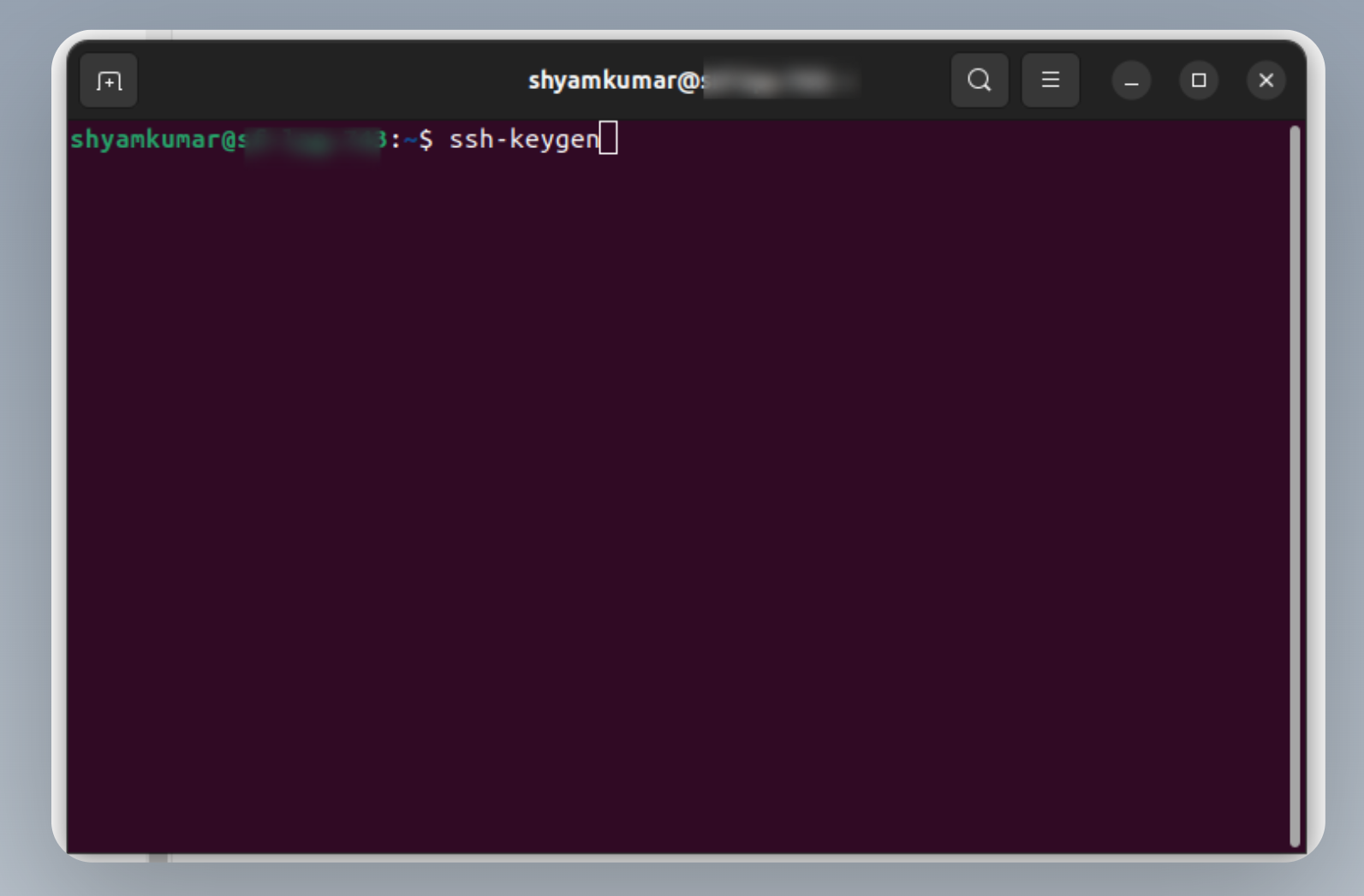
After that command it should look like this:
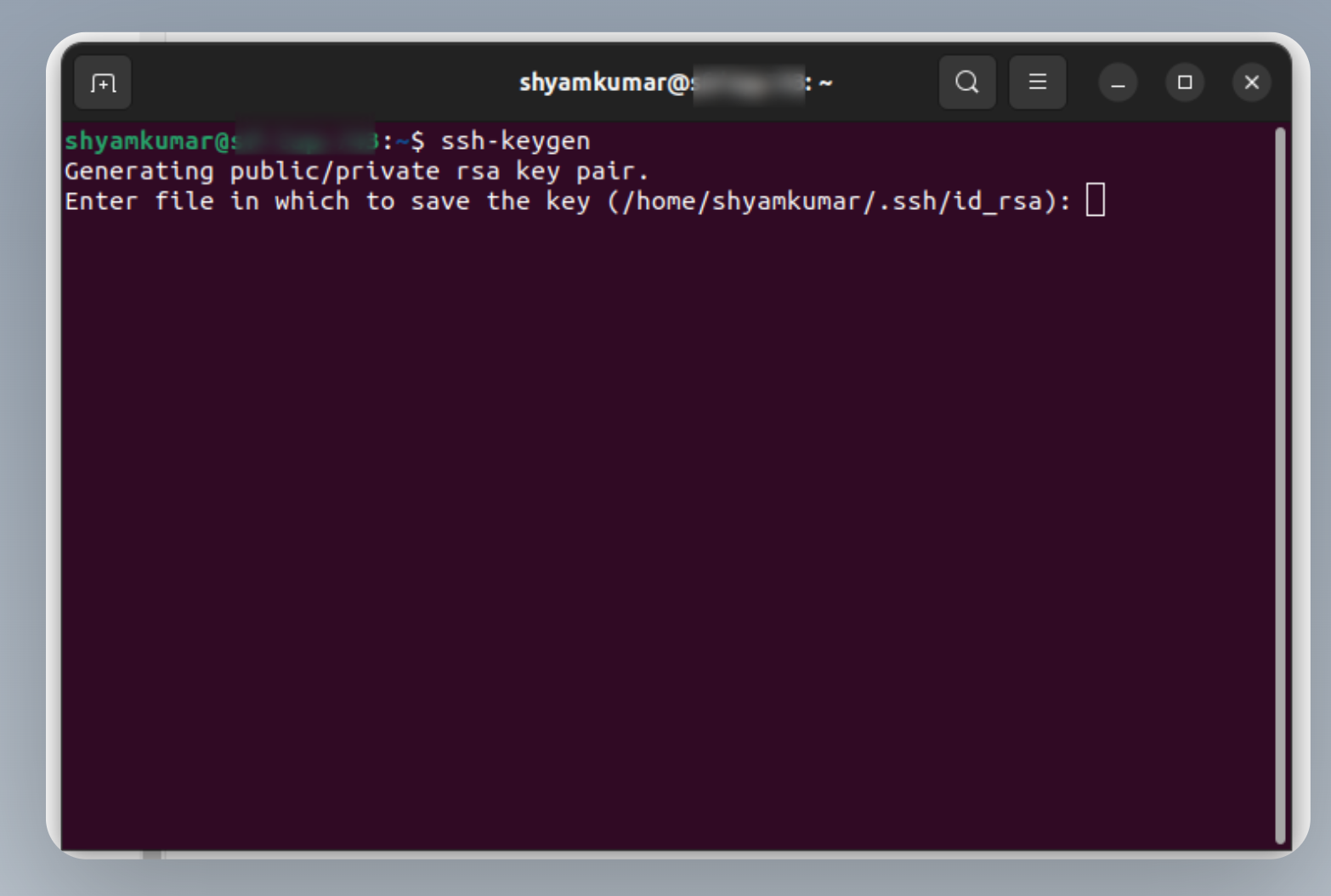
Step-2: Write your folder path as shown below image:
- In the below image, I've written
youraccountfor the path, in that, you can write any name as per your requirement (yourname_work).
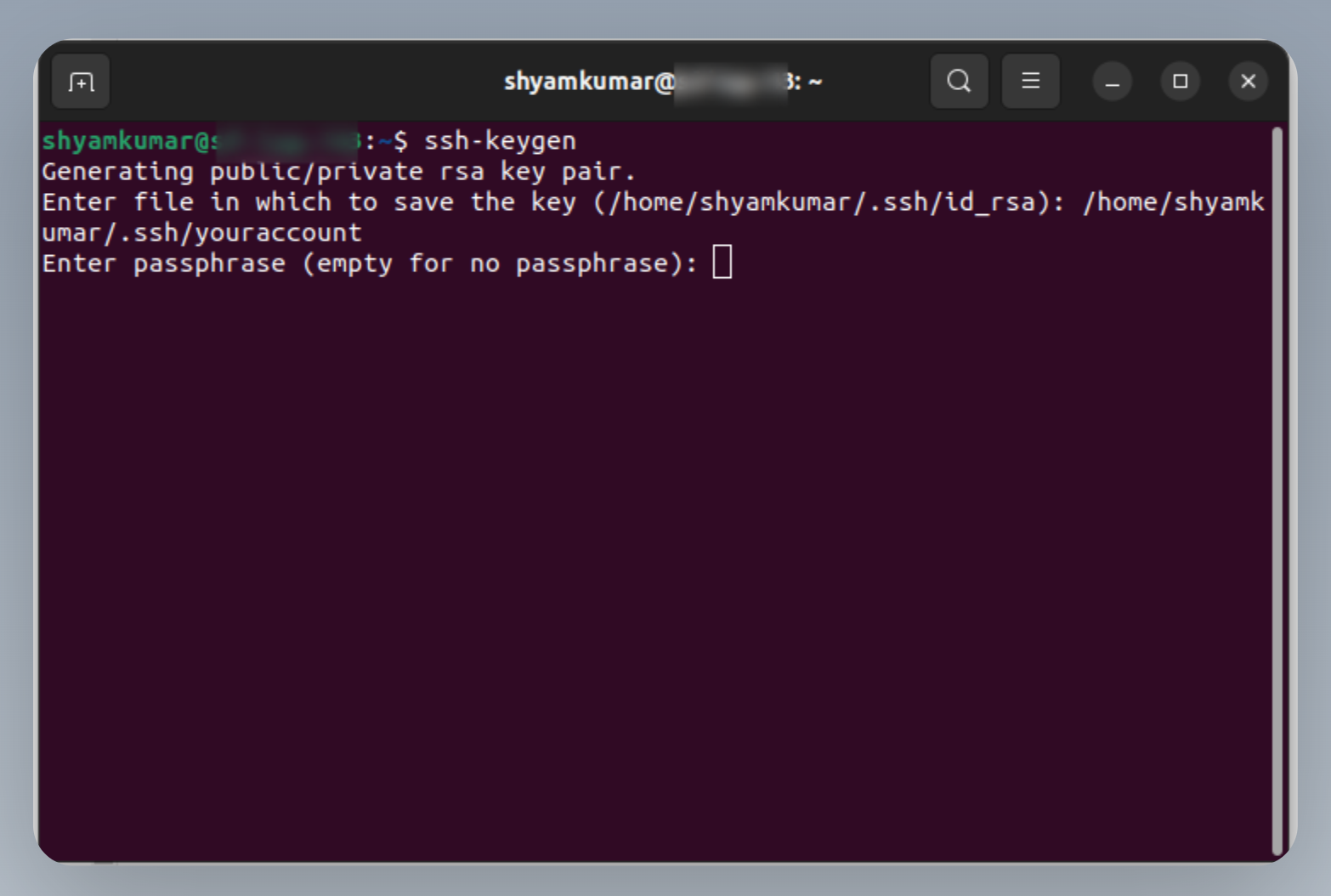
Now for a passphrase, we need to put it empty for now.
Once you enter an empty passphrase the next step is Enter the same passphrase again in that we put the empty passphrase again.
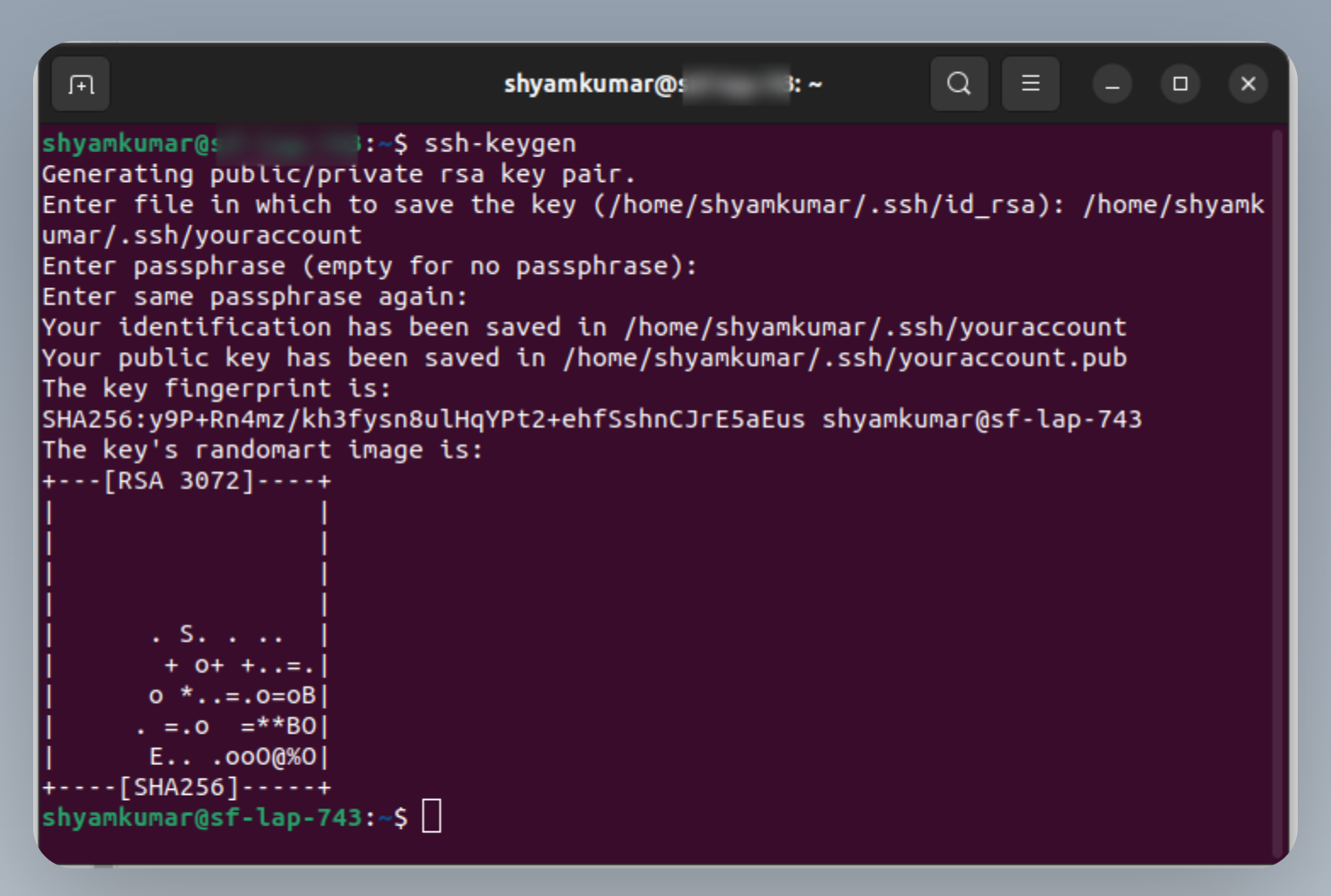
Now, go to the .ssh folder.
Run the below command:
catyouraccount.pub
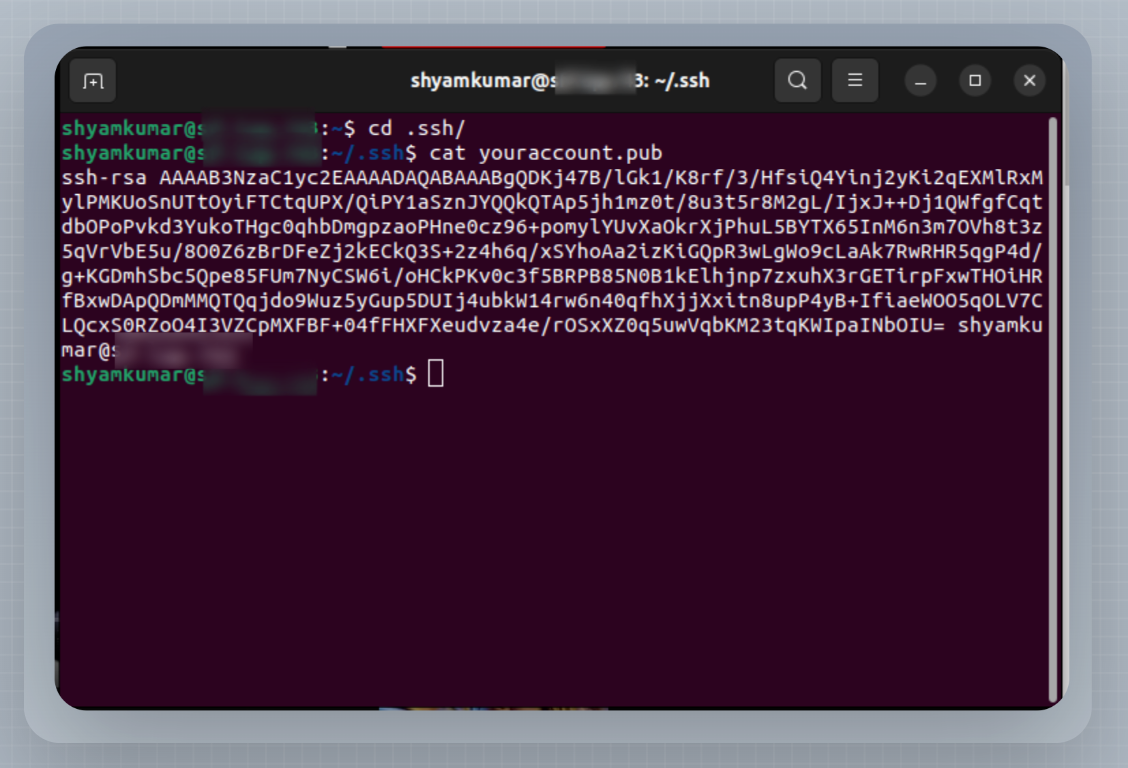
Copy the key starting with ssh-rsa
Go to your github account in the web browser and then go to the settings tabs as shown in the figure below.

- Now go to the SSH and GPG key tab as shown below image:

- Click on the New SSH key button
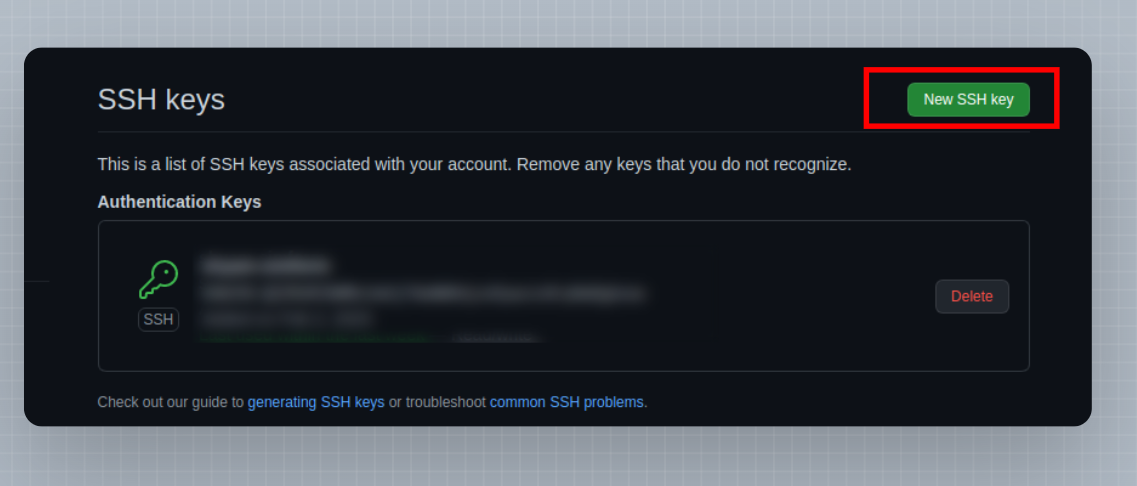
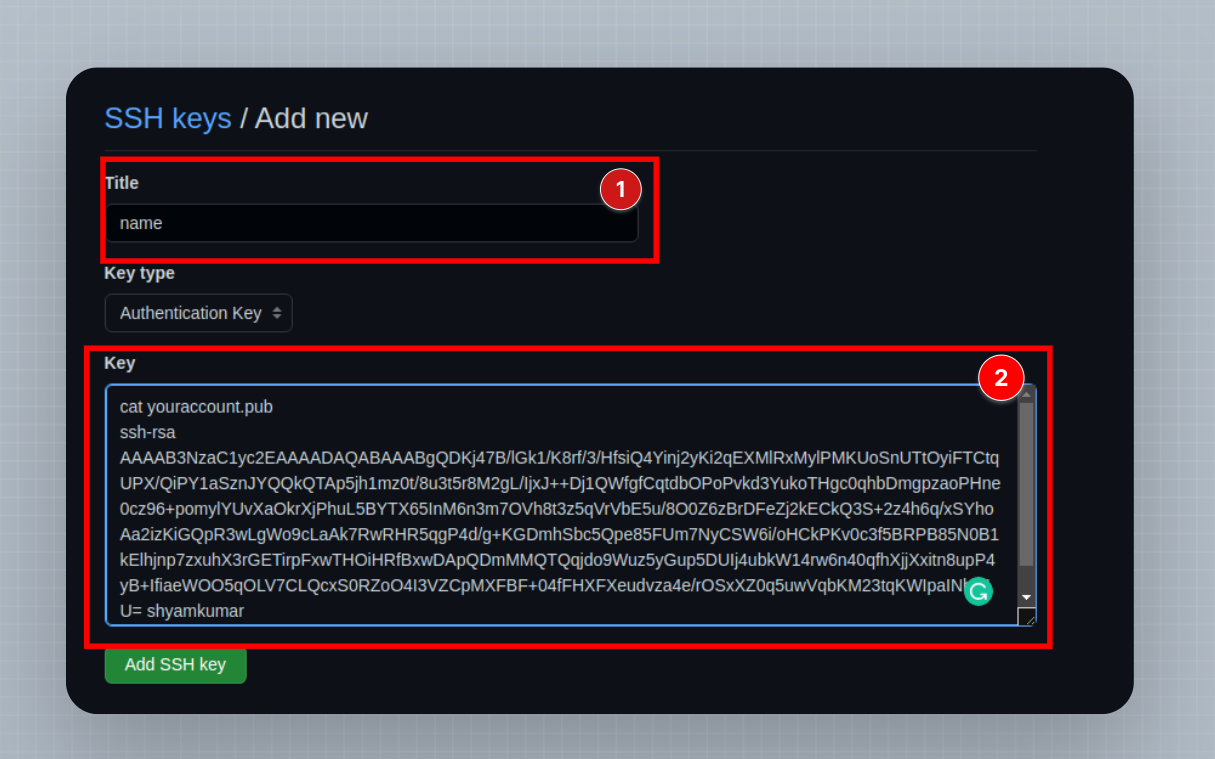
You will be able to see the below screen:
name: (as per your wish)
key: paste the key which we've copied from the .ssh folder
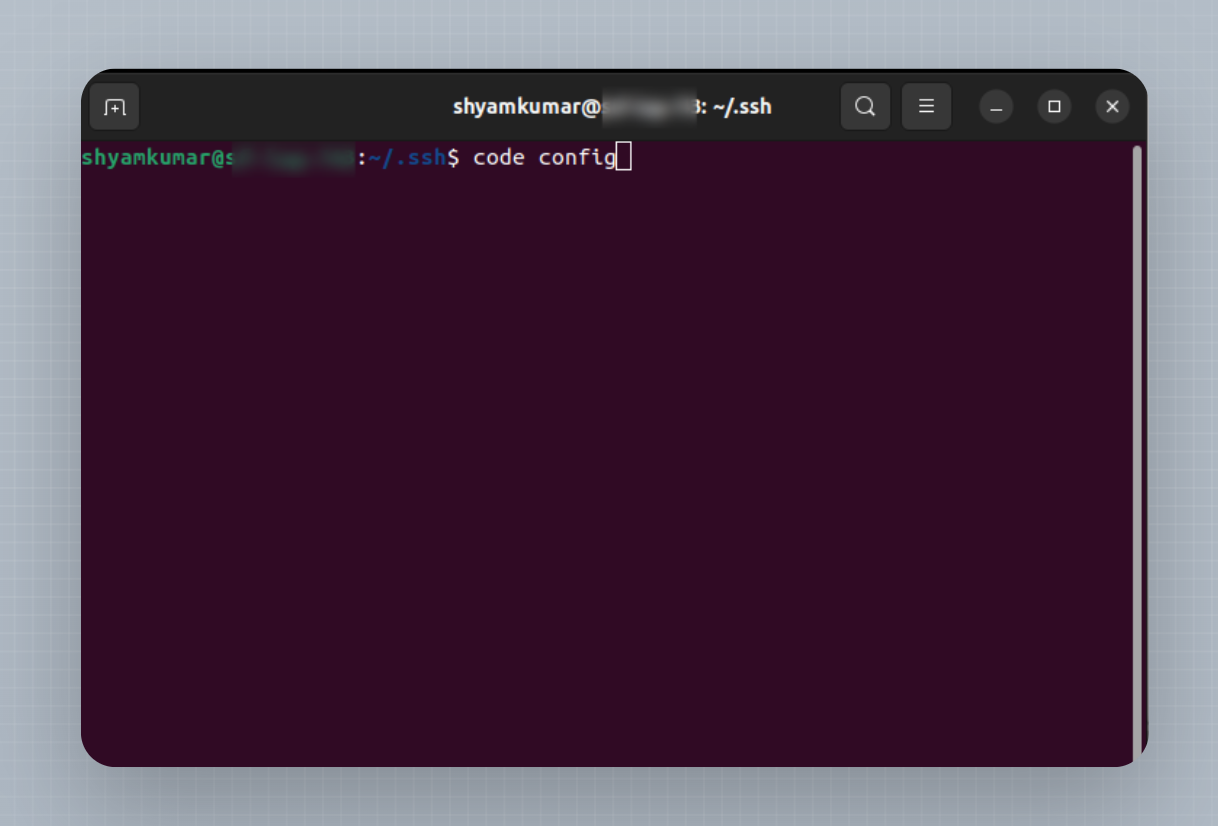
- Open the config file which is present in the .ssh folder in your preferred code editor.
The above-mentioned steps let you generate and configure an ssh key.
You can follow these same steps as mentioned above to generate more ssh keys and configure it accordingly to set multiple ssh keys in the very same system.
Copy the below code and paste it into the config file. Make changes in your host, hostname, and identity file as per your requirement.
#First generated and configured account with ssh key
Host github.com-shyam_work
 HostName github.com
 IdentityFile ~/.ssh/shyam-work


 #Further generated and configured account with ssh key
 Host github.com-shyam_personal
  HostName github.com
  IdentityFile ~/.ssh/shyam-personal
3. Clone Repo
git clone git@github.com-shyam_work:git-account-name/git-ssh-testing.git
git clone git@github.com-shyam_personal:git-account-name/git-ssh-testing.git
Happy Coding...